Discuss Scratch

![[RSS Feed]](http://cdn.scratch.mit.edu/scratchr2/static/__d235e7f35585482ca999583499337ccd__//djangobb_forum/img/feed-icon-small.png "[RSS Feed]")
- neofetch
-
 Scratcher

6 posts
Firefox
there's no “firefox labs” tab on my firefox. is it only in version 130?wait what whwere?It's off by default. The option is in Settings → Firefox Labs.
My browser / operating system: Windows NT 10.0, Firefox 130.0, No Flash version detected
My browser / operating system: Linux, Firefox 129.0, No Flash version detected
- CST1229
-
 Scratcher

1000+ posts
Firefox
(#840)I'm not sure, considering that if you e.g set the fps to a higher value using something like TurboWarp, it runs at a higher framerate just fine. It might be a browser thing with setInterval() (which is what Scratch uses to run at a set framerate). If you rewrite it to use something like requestAnimationFrame and checking the amount of time lapsed, it can run at 30 FPS just fine. (I have done this, but I can't share it because it's a userscript)
SPIDERMONKEY? THAT'S THE ONLY EXPLANATION, THE ONLY REASON WHY PROJECTS RUN SLOW???? Okay then… Fair enough…

Last edited by CST1229 (Sept. 16, 2024 13:28:34)
- Maximouse
-
 Scratcher

1000+ posts
Firefox
there's no “firefox labs” tab on my firefox. is it only in version 130?Probably.
- blubby4
-
 Scratcher

100+ posts
Firefox
I think requestAnimationFrame will go at the refresh rate of the monitor[citation needed], so it would be inconsistent. setInterval will (try to) run at how fast you tell it to. If you set the framerate higher in TW, it should be able to manage it given that it compiles the code, but I'm not sure why scratch would run faster if you use requestAnimationFrame… Maybe something to do with the way setInterval will queue up the next iteration if the script is slow?(#840)I'm not sure, considering that if you e.g set the fps to a higher value using something like TurboWarp, it runs at a higher framerate just fine. It might be a browser thing with setInterval() (which is what Scratch uses to run at a set framerate). If you rewrite it to use something like requestAnimationFrame and checking the amount of time lapsed, it can run at 30 FPS just fine. (I have done this, but I can't share it because it's a userscript)
SPIDERMONKEY? THAT'S THE ONLY EXPLANATION, THE ONLY REASON WHY PROJECTS RUN SLOW???? Okay then… Fair enough…
Last edited by blubby4 (Sept. 16, 2024 20:40:36)
- BigNate469
-
 Scratcher

1000+ posts
Firefox
Once I tried to capture 9 seconds of video footage of a canvas using setTimeout() (via Media Streams & Capture API), and only got about 5 seconds of footage out- on Firefox. I haven't tested it on Chromium yet, but it seems to be a Firefox issue- I wasn't getting any errors or warnings and everything seemed to been in order in the code.(#840)I'm not sure, considering that if you e.g set the fps to a higher value using something like TurboWarp, it runs at a higher framerate just fine. It might be a browser thing with setInterval() (which is what Scratch uses to run at a set framerate). If you rewrite it to use something like requestAnimationFrame and checking the amount of time lapsed, it can run at 30 FPS just fine. (I have done this, but I can't share it because it's a userscript)
SPIDERMONKEY? THAT'S THE ONLY EXPLANATION, THE ONLY REASON WHY PROJECTS RUN SLOW???? Okay then… Fair enough…
So it might be a Firefox bug.
- blubby4
-
Scratcher
100+ posts
Firefox
If you were recording it at a lower framerate (35fps, maybe) and were playing it back at a higher framerate (60fps) then it would be shorter, and lag wouldn't produce warnings or errors.Once I tried to capture 9 seconds of video footage of a canvas using setTimeout() (via Media Streams & Capture API), and only got about 5 seconds of footage out- on Firefox. I haven't tested it on Chromium yet, but it seems to be a Firefox issue- I wasn't getting any errors or warnings and everything seemed to been in order in the code.(#840)I'm not sure, considering that if you e.g set the fps to a higher value using something like TurboWarp, it runs at a higher framerate just fine. It might be a browser thing with setInterval() (which is what Scratch uses to run at a set framerate). If you rewrite it to use something like requestAnimationFrame and checking the amount of time lapsed, it can run at 30 FPS just fine. (I have done this, but I can't share it because it's a userscript)
SPIDERMONKEY? THAT'S THE ONLY EXPLANATION, THE ONLY REASON WHY PROJECTS RUN SLOW???? Okay then… Fair enough…
So it might be a Firefox bug.
- 50_scratch_tabs
-
 Scratcher

1000+ posts
Firefox
I just switched to Firefox but I haven't seen any of this lag with Scratch. Maybe I'm just not observant enough and I haven't run high CPU projects.
My browser / operating system: Windows NT 10.0, Firefox 130.0, No Flash version detected
My browser / operating system: Windows NT 10.0, Firefox 130.0, No Flash version detected
Last edited by 50_scratch_tabs (Sept. 17, 2024 23:16:40)
- BigNate469
-
Scratcher
1000+ posts
Firefox
I just switched to Firefox but I haven't seen any of this lag with Scratch. Maybe I'm just not observant enough and I haven't run high CPU projects.Please
click the globe icon and show us your browser/OS
- Redstone1080
-
 Scratcher

1000+ posts
Firefox
Reasons to use chrome.1. Doesn't mean that it's necessarily better lol, everyone uses membrane keyboards because they're cheap, but mechanical keyboards are much better
1. Everyone else does, for a reason as well
2. It is the fastest.
3. Simple UI
4. Frequent Updates
5. Great support
6. Finished, prestine.
7. Great for coding, debugging, and development.
8. Supports a wide range of web applications
9. Wide extension library
2. I have found this to be true, but only on Scratch. There's no other use cases where Chromium is better for it. In fact, Bandlab runs worse on Chromium. (At least on Linux.)
3. Firefox's looks better imo and is less cluttered with Google bloat, though I think how UI looks is a matter of opinion and is usually irrelevant
4. Firefox too lol, I find Chrome's updates to be annoyingly often actually
5. In what? Web APIs? I mean you got me beat there, but that use case is very niche. However, I don't think that's a valid reason to not support something.
6. *pristine

Seriously, I think the look of something is irrelevant if it isn't an affront to the human visual subsystem.
7. Firefox is better in this regard
8. Firefox too
9. Firefox too
Last edited by Redstone1080 (Sept. 17, 2024 21:33:52)
- 50_scratch_tabs
-
Scratcher
1000+ posts
Firefox
I just switched to Firefox but I haven't seen any of this lag with Scratch. Maybe I'm just not observant enough and I haven't run high CPU projects.Please
click the globe icon and show us your browser/OS
Sorry, I was on mobile, but now I'm on a different computer. I will add it when I am using my phone/normal computer.
- Redstone1080
-
Scratcher
1000+ posts
Firefox
In other news, Firefox doesn't seem to like Dvorak. It just recognizes it as QWERTY except when I do keyboard shortcuts. The only other layout that works in it is the Canadian French keyboard layout, which is really just QWERTY lol
Edit: Apparently this bug has existed since AT LEAST Windows 2000 was a thing. Good job, Mozilla! /s
Edit: Apparently this bug has existed since AT LEAST Windows 2000 was a thing. Good job, Mozilla! /s
Last edited by Redstone1080 (Sept. 17, 2024 21:52:33)
- gilbert_given_189
-
 Scratcher

1000+ posts
Firefox
I wished I can put tabs on Firefox into a folder like in Chrome 

- 50_scratch_tabs
-
Scratcher
1000+ posts
Firefox
I wished I can put tabs on Firefox into a folder like in ChromeI know, right? At least there are bookmark folders, but that's hardly comparable to tab groups.
- -RedLight-
-
 Scratcher

78 posts
Firefox
I just switched to Firefox but I haven't seen any of this lag with Scratch. Maybe I'm just not observant enough and I haven't run high CPU projects.
My browser / operating system: Windows NT 10.0, Firefox 130.0, No Flash version detected
22 fps on firefox isn't a perfomance issue, as it is consistently 21-22 fps across separate computers and projects, and you can manually set it higher.
- scratchcode1_2_3
-
 Scratcher

1000+ posts
Firefox
(#854)yes it is i have a computer with 8 gb of ram, scratch projects on it, at least when i first play them or make them here run fine, but relatively terrible. I only realize how bad it is when I ran the same project I made on a worse school computer with only 4gb of ram, but instead of using windows 10 with firefox, it was windows 10 with google chrome. everything ran quite a bit faster, even making some of the timing off.I just switched to Firefox but I haven't seen any of this lag with Scratch. Maybe I'm just not observant enough and I haven't run high CPU projects.
My browser / operating system: Windows NT 10.0, Firefox 130.0, No Flash version detected
22 fps on firefox isn't a perfomance issue, as it is consistently 21-22 fps across separate computers and projects, and you can manually set it higher.
- 8to16
-
 Scratcher

1000+ posts
Firefox
someone help me, this happened
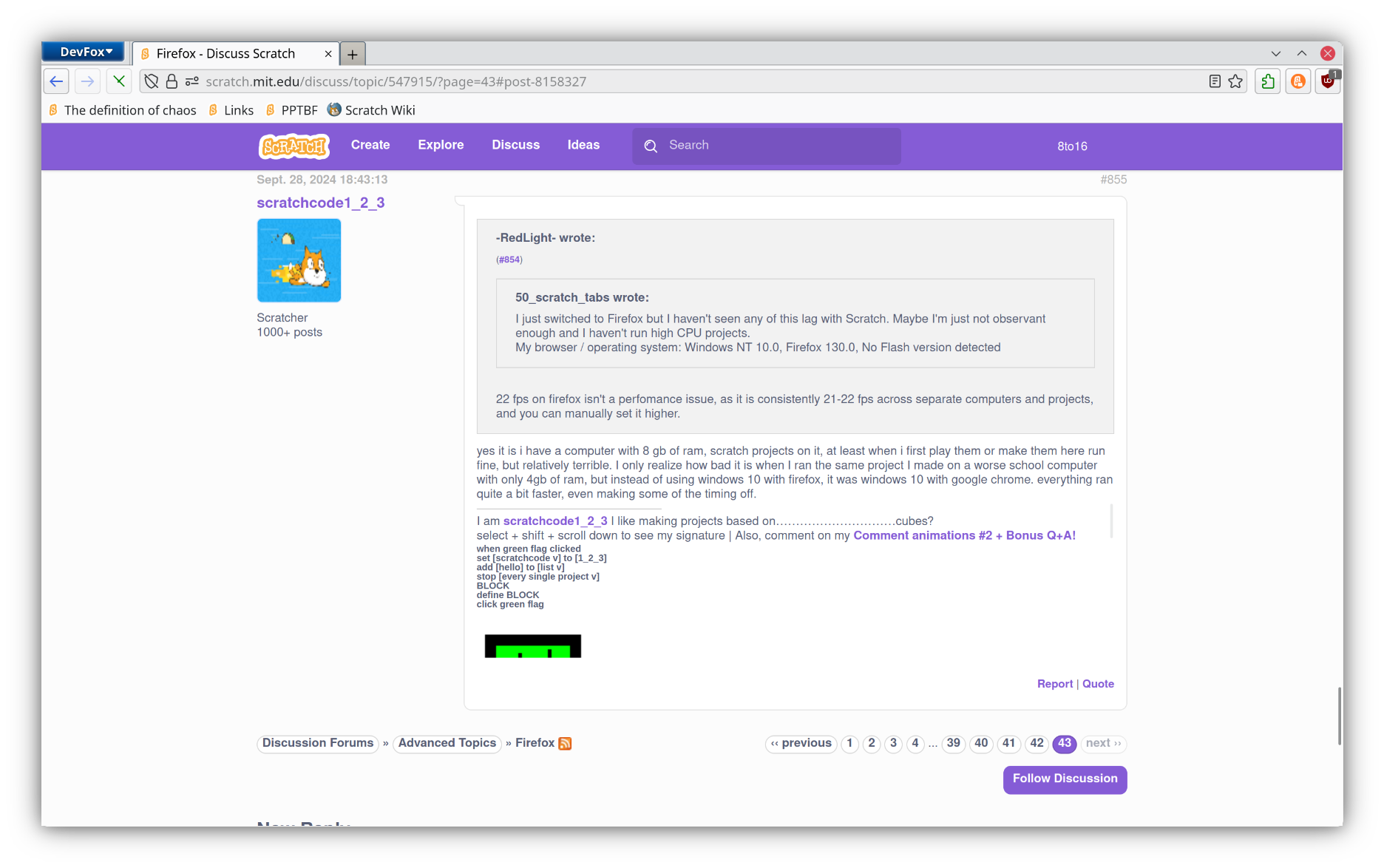
nvm that happened because of some browser css i used
nvm that happened because of some browser css i used
Last edited by 8to16 (Oct. 27, 2024 11:16:55)
- LukasDoesCode
-
 Scratcher

59 posts
Firefox
I don't know if it's something on my end or not, but Firefox is having issues with a project of mine. Chrome runs it great, but FF can't keep a stable framerate, varying between 5-ish and 30.
Game loop code:
Framerate function:
Base delta = 1000/60, and baseFps = 60, so expected framerate is 60.
Frame renderer (don't worry, all these variables are defined):
Shouldn't be necessary, but resize canvas code:
Game loop code:
var gameLoop = function() {
	try{
		getFramerate();
		drawFrame();
	} catch(error) {
		hadError = true;
		alert("ERROR: " + error.message);
	}
	if (!false) { // !false because i had problems a bit ago and wanted to disable this
		requestAnimationFrame(gameLoop);
	}
};
// Make sure the frame fits the window
addEventListener("resize", resizeCanvas);
resizeCanvas();
gameLoop();
var getFramerate = function() {
	currentTimestamp = Date.now();
	delta = (currentTimestamp - prevTimestamp) / baseDelta;
	prevTimestamp = currentTimestamp;
	fps = baseFps / delta;
};
Frame renderer (don't worry, all these variables are defined):
var drawFrame = function() {
	draw.fillStyle = "black";
	draw.fillRect(0, 0, renderedFrame.width, renderedFrame.height);
	draw.fillStyle = "rgba(255, 255, 255, 0.5)";
	draw.font = "16px monospace";
	draw.fillText("FPS: " + fps, 0, 16*1);
	draw.fillText("Delta time: " + delta, 0, 16*2);
	draw.fillText("Mouse X: " + Input.mouseX, 0, 16*3);
	draw.fillText("Mouse Y: " + Input.mouseY, 0, 16*4);
	draw.fillText("Mouse down: " + Input.mouseDown, 0, 16*5);
	draw.fillText("Keys pressed: " + JSON.stringify(Input.keysPressed), 0, 16*6);
};
var resizeCanvas = function() {
	renderedFrame.width = window.innerWidth;
	renderedFrame.height = window.innerHeight;
};
- BigNate469
-
Scratcher
1000+ posts
Firefox
yes I know how old this post is.snipIf you were recording it at a lower framerate (35fps, maybe) and were playing it back at a higher framerate (60fps) then it would be shorter, and lag wouldn't produce warnings or errors.
I was playing it back at the frame rate it was captured at, although it's not impossible that it could have been an issue with a video codec- but I doubt that somewhat.