Discuss Scratch

- Discussion Forums
- » Bugs and Glitches
- » My Shapes Can't Be Moved for Some Reason
![[RSS Feed]](//cdn.scratch.mit.edu/scratchr2/static/__ff7229f036c458728e45c39b0751aa44__//djangobb_forum/img/feed-icon-small.png "[RSS Feed]")
![[RSS Feed]](http://cdn.scratch.mit.edu/scratchr2/static/__ff7229f036c458728e45c39b0751aa44__//djangobb_forum/img/feed-icon-small.png "[RSS Feed]")
- The_Blue_J
-
 Scratcher

1000+ posts
My Shapes Can't Be Moved for Some Reason
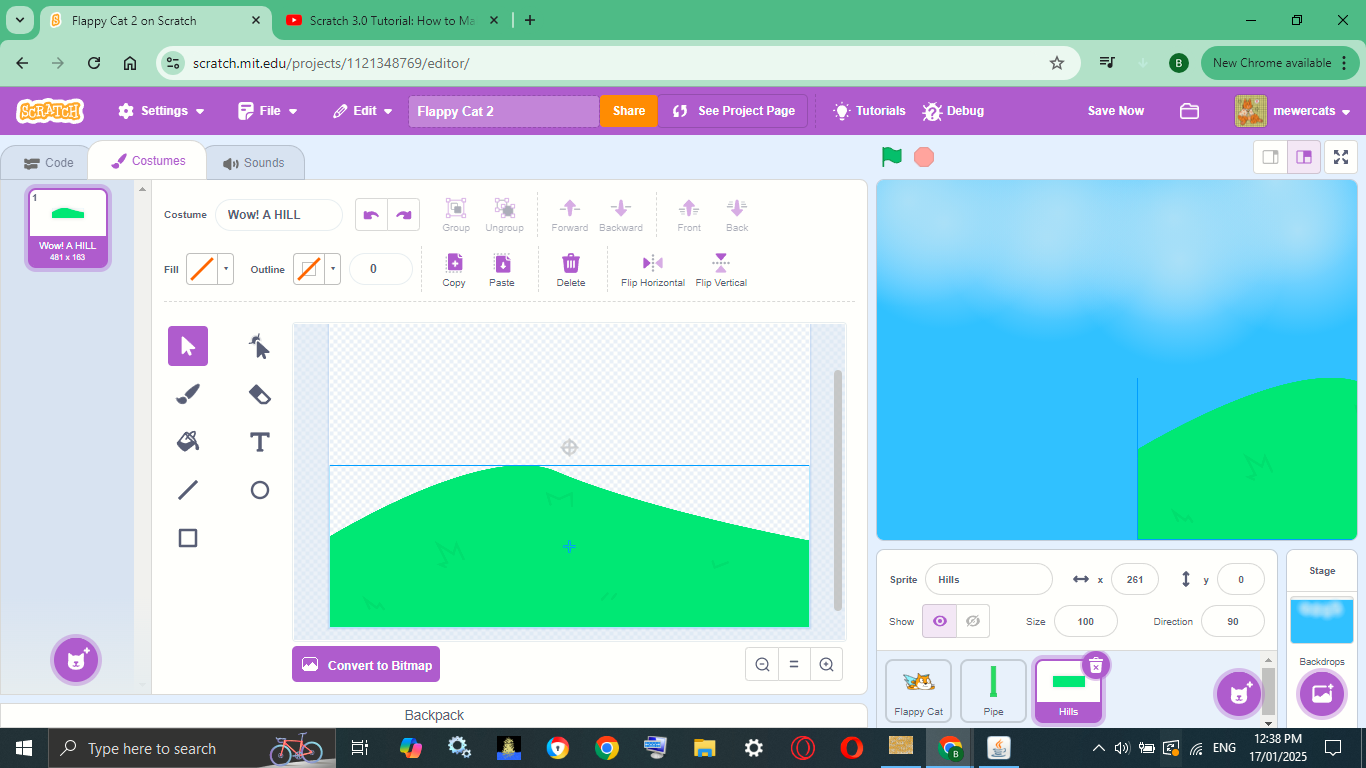
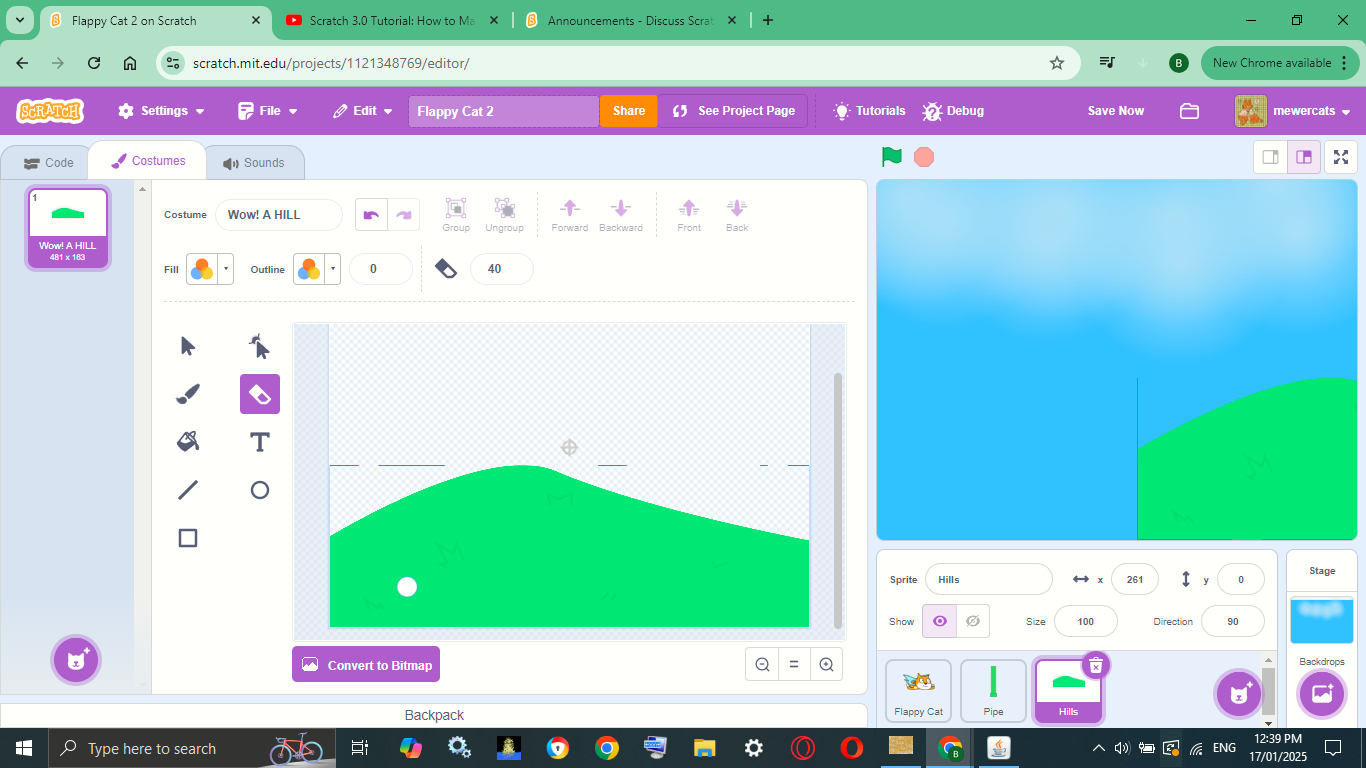
My shapes can't be moved normally and can only be edited through the point selection tool, I don't know why but it keeps on happening with a few of my shapes , hence having to reduce the points to the center.
Edit: Mysteriously got fixed a few months later, IDK how
Edit: Came back again, why is this happening?
Edit: Others are experiencing it too?
Edit: Mysteriously got fixed a few months later, IDK how
Edit: Came back again, why is this happening?
Edit: Others are experiencing it too?
Last edited by The_Blue_J (May 23, 2025 16:12:11)
- The_Blue_J
-
Scratcher
1000+ posts
My Shapes Can't Be Moved for Some Reason
like i don't know how to replicate but i had like a bitmap sprite that was vector before and when you reload the website it stays also you can erase it and also the costume in the costume editor can't moveApparently I'm not alone…
- nembence
-
 Scratcher

500+ posts
My Shapes Can't Be Moved for Some Reason
My browser / operating system: Windows NT 10.0, Chrome 136.0.0.0, No Flash version detected
Reproduction steps:
Links: The duplicate topic I came from | My collection of buggy costumes
Reproduction steps:
- Change the color of a vector shape
- Don't exit the color dropdown
- Start resizing the shape
- Right click
Links: The duplicate topic I came from | My collection of buggy costumes
Last edited by nembence (May 24, 2025 07:49:01)
- incremental-infinity
-
 Scratcher

500+ posts
My Shapes Can't Be Moved for Some Reason
Shapes can't move huh?
- The_Blue_J
-
Scratcher
1000+ posts
My Shapes Can't Be Moved for Some Reason
Shapes can't move huh?Indeed, in some cases, the glitch happens
- Sherk75
-
 Scratcher

25 posts
My Shapes Can't Be Moved for Some Reason
Maybe your sprite editor is in bitmap? If so, try turning your editor to vector before creating the shape.
- Discussion Forums
- » Bugs and Glitches
-
» My Shapes Can't Be Moved for Some Reason