Discuss Scratch
- Discussion Forums
- » Questions about Scratch
- » Does if on edge, bounce have a workaround?
![[RSS Feed]](//cdn.scratch.mit.edu/scratchr2/static/__5b3e40ec58a840b41702360e9891321b__//djangobb_forum/img/feed-icon-small.png "[RSS Feed]")
![[RSS Feed]](http://cdn.scratch.mit.edu/scratchr2/static/__5b3e40ec58a840b41702360e9891321b__//djangobb_forum/img/feed-icon-small.png "[RSS Feed]")
- Goodthingsaregood66
-
 Scratcher

100+ posts
Does if on edge, bounce have a workaround?
I'm just wondering if it has a workaround, i checked EVERYWHERE, and got nothing. It would be good if you told me a workaround for this block!


- 4096bits
-
 Scratcher

1000+ posts
Does if on edge, bounce have a workaround?
Can you explain what you mean by “workaround”?
- CatsUnited
-
 Scratcher

1000+ posts
Does if on edge, bounce have a workaround?
A pretty simple one, yes:
...
if <touching [edge v] ?> then
turn cw (180) degrees
end
- Goodthingsaregood66
-
Scratcher
100+ posts
Does if on edge, bounce have a workaround?
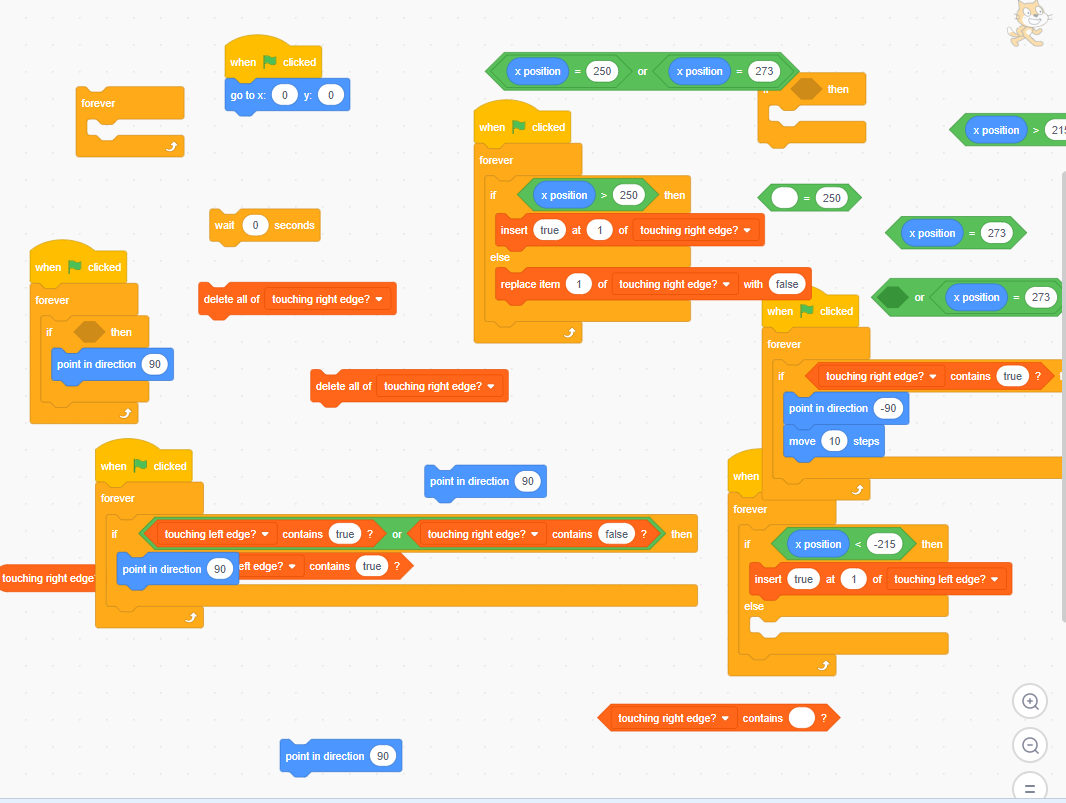
Aw come on! all that work…..FOR NOTHING???? << ignore that, overreacting and idk why
Last edited by Goodthingsaregood66 (Aug. 22, 2020 04:23:36)

- scratchykit5743
-
 Scratcher

1000+ posts
Does if on edge, bounce have a workaround?
The workaround is:
if <touching [edge v] ?> then
turn cw (180) degrees
change x by (-10 or 10)
end
- Wyan100
-
 Scratcher

1000+ posts
Does if on edge, bounce have a workaround?
Aw come on! all that work…..FOR NOTHING???? << ignore that, overreacting and idk why <snip>
Actually the solution that CatsUnited provided does not work
A pretty simple one, yes:...
if <touching [edge v] ?> then
turn cw (180) degrees
end
because this just makes your item (let's pretend it's a ball for explanation purposes) turn around everytime it hits a wall.
A real ball acts nothing like this. If a ball hits a wall, it doesn't just turn around and come back to you. Instead, it bounces around the room at different angles depending how you threw it.
If you were making a pong game using this script everytime that you hit the wall, instead of it ricocheting off the wall towards the opponent, it would just turn around a come back to your own paddle.
So NO it wasn't a waste of time. We are still looking for a solution.
Edit: Not sure if @scratchykit5743 ninja'd me or not…
Last edited by Wyan100 (Aug. 22, 2020 01:58:43)
- Goodthingsaregood66
-
Scratcher
100+ posts
Does if on edge, bounce have a workaround?
I think i used too much of my kumquat's brainpower…..*Yes i have a kumquat, but it never decided to go to my signature.*
- Goodthingsaregood66
-
Scratcher
100+ posts
Does if on edge, bounce have a workaround?
When i go to sleep, I'll check tomorrow if you found a workaround or not.
- Goodthingsaregood66
-
Scratcher
100+ posts
Does if on edge, bounce have a workaround?
If there was this block:
direction away from (left v) edge :: motion reporterin Scratch, THEN there will be an actual workaround.
- Wyan100
-
Scratcher
1000+ posts
Does if on edge, bounce have a workaround?
If there was this block:direction away from (left v) edge :: motion reporterin Scratch, THEN there will be an actual workaround.
Actually I might be able to find a complicated workaround, give me some time…
- CatsUnited
-
Scratcher
1000+ posts
Does if on edge, bounce have a workaround?
Actually the solution that CatsUnited provided does not workI've done some testing and this seems to work more realistically for bouncing:
…
because this just makes your item (let's pretend it's a ball for explanation purposes) turn around everytime it hits a wall.
A real ball acts nothing like this. If a ball hits a wall, it doesn't just turn around and come back to you. Instead, it bounces around the room at different angles depending how you threw it.
If you were making a pong game using this script everytime that you hit the wall, instead of it ricocheting off the wall towards the opponent, it would just turn around a come back to your own paddle.
…
...
if <touching [edge v] ?> then
if <([abs v] of (x position)) > [230]> then
point in direction ((direction) * (-1))

end
if <([abs v] of (y position)) > [170]> then
point in direction ((180) - (direction))

end
end
- Wyan100
-
Scratcher
1000+ posts
Does if on edge, bounce have a workaround?
Actually the solution that CatsUnited provided does not workI've done some testing and this seems to work more realistically for bouncing:
…
because this just makes your item (let's pretend it's a ball for explanation purposes) turn around everytime it hits a wall.
A real ball acts nothing like this. If a ball hits a wall, it doesn't just turn around and come back to you. Instead, it bounces around the room at different angles depending how you threw it.
If you were making a pong game using this script everytime that you hit the wall, instead of it ricocheting off the wall towards the opponent, it would just turn around a come back to your own paddle.
…...
if <touching [edge v] ?> then
if <([abs v] of (x position)) > [230]> then
point in direction ((direction) * (-1))
end
if <([abs v] of (y position)) > [170]> then
point in direction ((180) - (direction))
end
end
I still don't think that would be a very accurate work around…
I'm halfway through making the script but I'm having trouble figuring out how to make a script that figures out whether the ball is on a vertical or horizontal edge.
- -Infinite-Code-
-
 Scratcher

64 posts
Does if on edge, bounce have a workaround?
I read a cute tutorial which said that for realisticness, the object should bounce at the same angle relative to the bounce plane as it came towards it. E.g. if you throw it from straight up it bounces straight back up off of flat ground, if you thwor the ball from the side it keeps much of it's momentum and bounces athe same angle relative to the ground that it came in at. Therefore the simplest way to implement this is to have the object move into the ground, turn move and repeat until it is out of the ground, then, go back to it's origi nal position and continue moving. This only works in a custom block without screen refresh though.
- Goodthingsaregood66
-
Scratcher
100+ posts
Does if on edge, bounce have a workaround?
I don't really know who to trust…
- Wyan100
-
Scratcher
1000+ posts
Does if on edge, bounce have a workaround?
I read a cute tutorial which said that for realisticness, the object should bounce at the same angle relative to the bounce plane as it came towards it. E.g. if you throw it from straight up it bounces straight back up off of flat ground, if you thwor the ball from the side it keeps much of it's momentum and bounces athe same angle relative to the ground that it came in at. Therefore the simplest way to implement this is to have the object move into the ground, turn move and repeat until it is out of the ground, then, go back to it's origi nal position and continue moving. This only works in a custom block without screen refresh though.
I am trying to do something similar to what you said, but I can't figure out how to determine if the ball is on a Horizontal or Vertical Edge
- Wyan100
-
Scratcher
1000+ posts
Does if on edge, bounce have a workaround?
Actually the solution that CatsUnited provided does not workI've done some testing and this seems to work more realistically for bouncing:
…
because this just makes your item (let's pretend it's a ball for explanation purposes) turn around everytime it hits a wall.
A real ball acts nothing like this. If a ball hits a wall, it doesn't just turn around and come back to you. Instead, it bounces around the room at different angles depending how you threw it.
If you were making a pong game using this script everytime that you hit the wall, instead of it ricocheting off the wall towards the opponent, it would just turn around a come back to your own paddle.
…...
if <touching [edge v] ?> then
if <([abs v] of (x position)) > [230]> then
point in direction ((direction) * (-1))
end
if <([abs v] of (y position)) > [170]> then
point in direction ((180) - (direction))
end
end
Actually I may be able to draw some inspiration from this…
- -Infinite-Code-
-
Scratcher
64 posts
Does if on edge, bounce have a workaround?
It does not matter. What matters is the angle of the ball relative to the angle of the ground it is bouncing on. To do this simply make the ball go inside the ground and move in a circle until it comes out. The size of the crcle it nmoves in will have an egfect on how accurate this is to real life situations.I read a cute tutorial which said that for realisticness, the object should bounce at the same angle relative to the bounce plane as it came towards it. E.g. if you throw it from straight up it bounces straight back up off of flat ground, if you thwor the ball from the side it keeps much of it's momentum and bounces athe same angle relative to the ground that it came in at. Therefore the simplest way to implement this is to have the object move into the ground, turn move and repeat until it is out of the ground, then, go back to it's origi nal position and continue moving. This only works in a custom block without screen refresh though.
I am trying to do something similar to what you said, but I can't figure out how to determine if the ball is on a Horizontal or Vertical Edge
- god286
-
 Scratcher

1000+ posts
Does if on edge, bounce have a workaround?
Okay…
I guess you could say this is smart?
Not so sure if it's good, though
turn cw (<touching [edge v] ?> * (180)) degrees
I guess you could say this is smart?
Not so sure if it's good, though
Last edited by god286 (Aug. 22, 2020 10:00:57)
- 4096bits
-
Scratcher
1000+ posts
Does if on edge, bounce have a workaround?
Okay…I don't think so, then it would always do “true” * 180 or “false” * 180, which we definitely know are NOT possible.turn cw (<touching [edge v] ?> * (180)) degrees
I guess you could say this is smart?
Not so sure if it's good, though
- Discussion Forums
- » Questions about Scratch
-
» Does if on edge, bounce have a workaround?